From gate key to mobile app — here's exactly how it happens
We understand that "smart access system" can sound vague. This page explains the actual process: what we do, in what order, and what your building looks like at each stage.
Most buildings are more compatible than they think
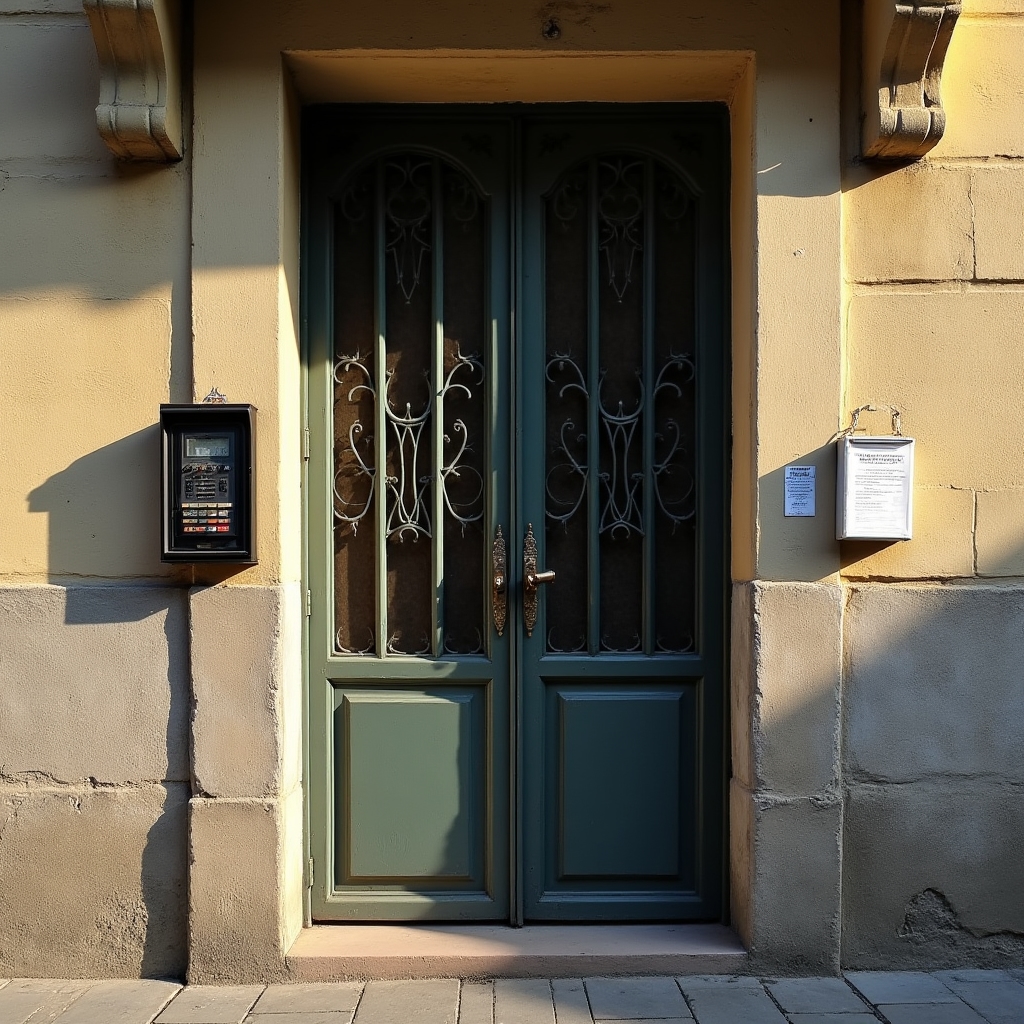
The most common concern we hear is: "our building is old, will this even work?" The answer, in most cases, is yes. Modern smart access systems are designed to interface with existing intercom wiring and electrical infrastructure. You don't need new cables — you need the right configuration.
The physical door mechanism, the intercom wiring, and the electrical panel in your building are almost certainly compatible with a smart access overlay. What changes is the intelligence layer on top — not the infrastructure underneath.
We're adding a brain to a system that already has a body. The wiring is already there. We configure the software, connect the right interfaces, and teach the system to respond to digital credentials instead of physical keys.
What happens from first contact to live system
No surprises. Here's the full sequence.
You contact us
You reach out via the contact form, phone, or email. You tell us about your building — how many units, what kind of intercom system, what access problems you're experiencing. We ask a few clarifying questions.
We visit the building
A technician visits your building to assess the existing intercom system, electrical panel, access points, and physical layout. This visit takes 1–2 hours and is free of charge. We document what's there and identify what configuration approach will work.
We propose a configuration
Based on the site assessment, we put together a specific configuration proposal for your building. This includes what hardware interfaces we'll install, how the app will work for residents, what the admin panel will include, and what the installation timeline looks like.
Installation day
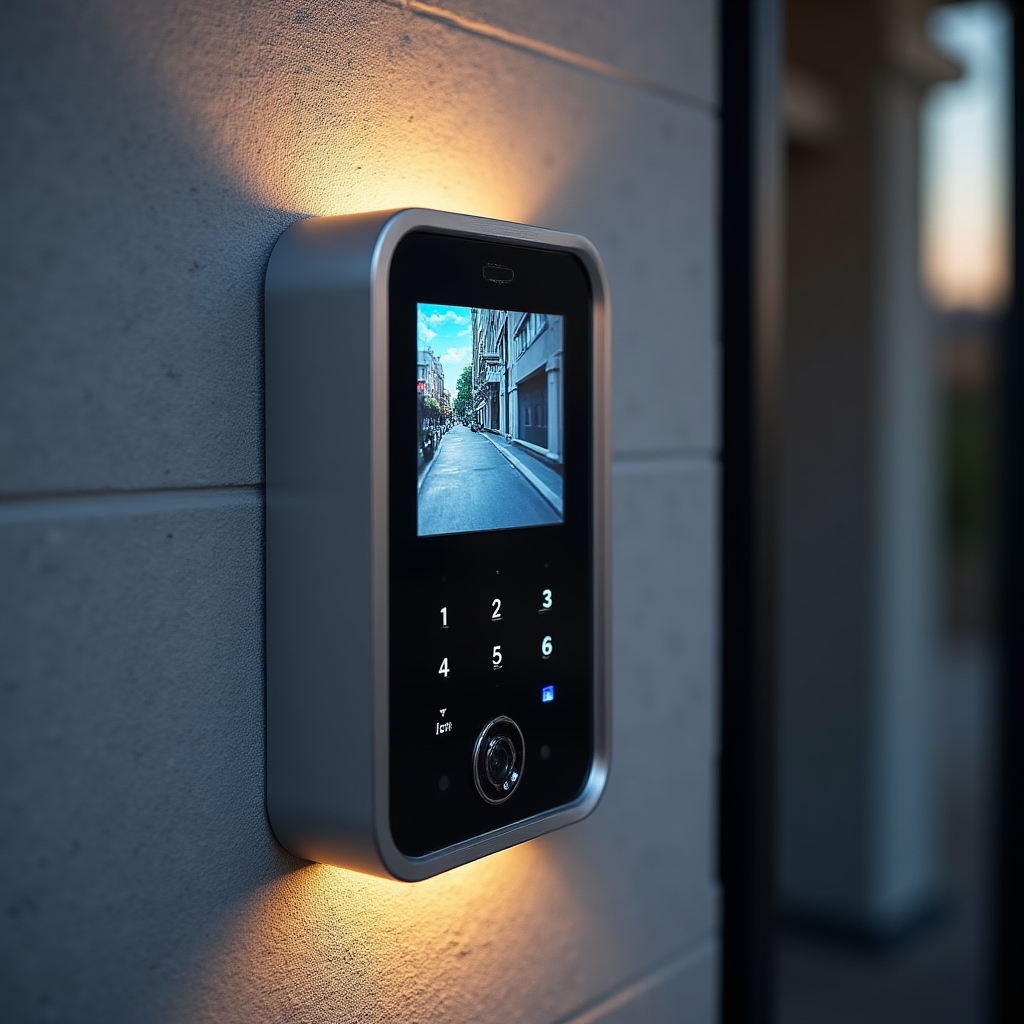
Our team arrives and installs the hardware components — intercom interface modules, camera connections, access readers. We configure the software, connect everything to the admin panel, and test all access points. The building entrance is offline for the shortest possible window during the transition.
Resident onboarding
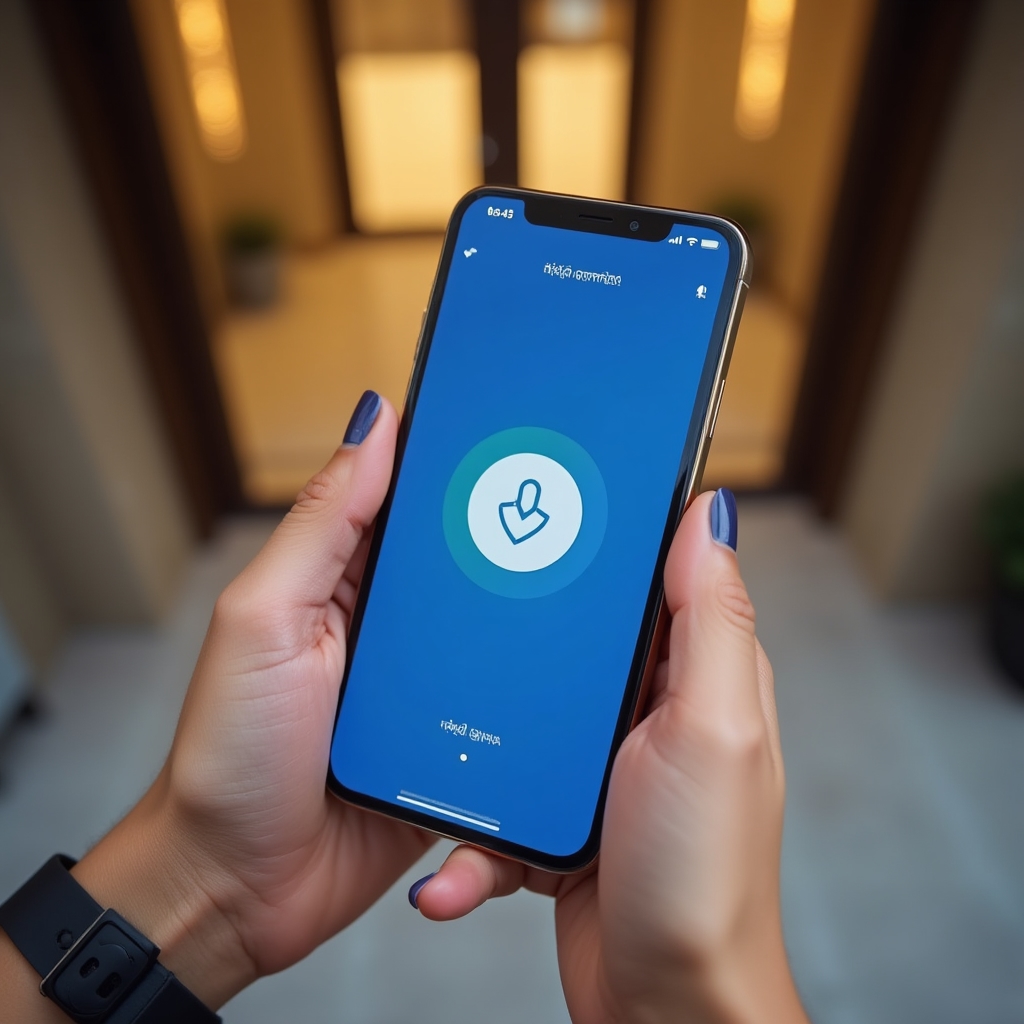
We walk residents through the mobile app setup. Each resident gets their unique digital credential. The committee gets access to the admin panel and a walkthrough of its features. We don't leave until everyone who needs access has it.
Ongoing support
After installation, you have a direct line to our technical team. Software updates happen automatically. When residents move in or out, the committee updates credentials through the admin panel. For technical issues, you contact us and we resolve them — remotely or on-site as needed.
What it's like for each person in the building
The system serves different people differently. Here's what the experience looks like for each role.
Residents
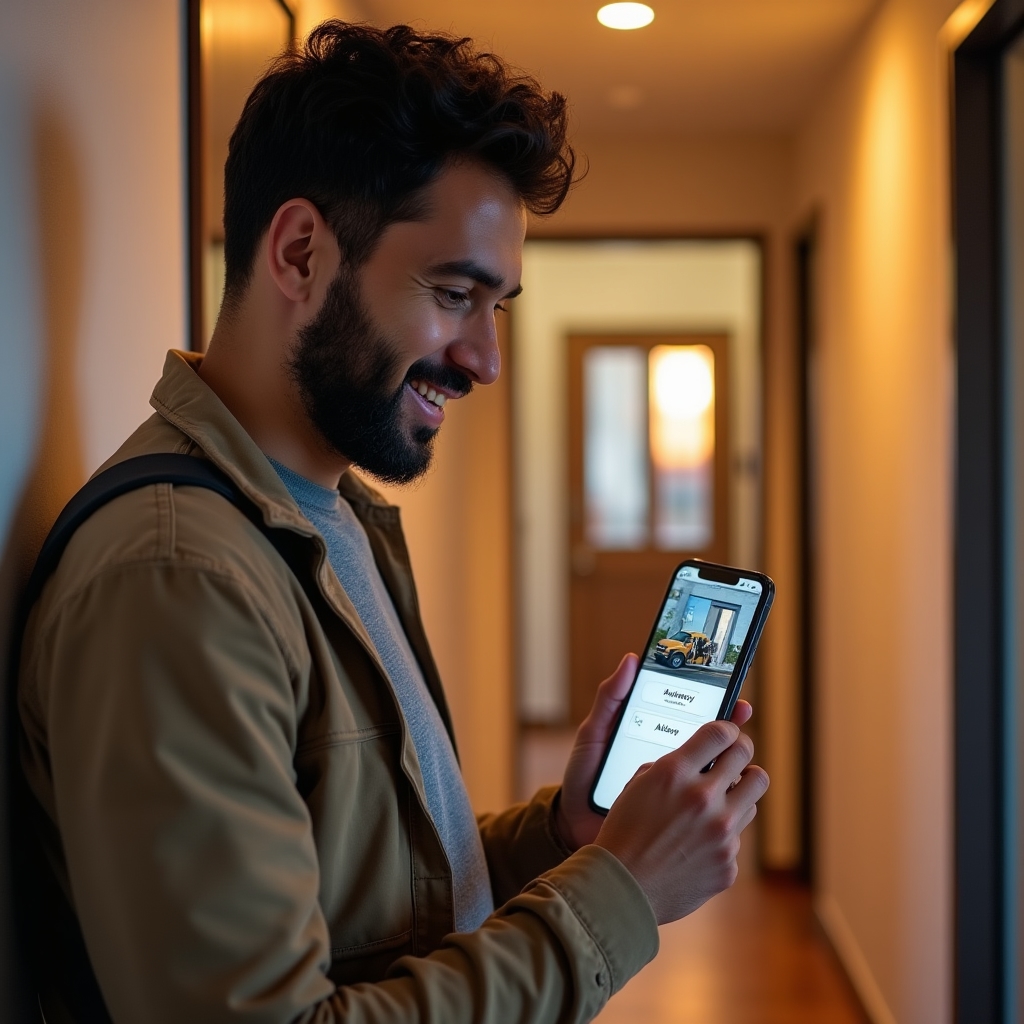
Open the building entrance from the app on their phone. See who's at the door via the video intercom. Authorize delivery access remotely. Get notified when visitors arrive.
Concierge
Uses a dedicated interface to manage visitor check-in, view the access log, and open doors for authorized personnel. Digital records replace the paper notebook automatically.
Committee
Accesses the web admin panel to manage resident credentials, review access history, approve visitor requests, and configure access rules for the building.
What a configured building looks like

The first step is a free site visit.
We come to your building, look at what you have, and tell you exactly what's involved in configuring a smart access system for your specific setup. No obligation.